Creating videos from images and music is a great way to turn a static gallery into a living story. This format is ideal for family photo albums, presentations, social networks, and even advertising. In this article, we will look at how to make a video with pictures and music in just five easy steps.
How to make a video with pictures and images
Step 1. Preparing materials
Before you start working, it is important to collect all the necessary elements of the future video. First of all, pay attention to the quality of the images – high quality pictures attract way more viewers. The music should match the mood of the video and be free of copyright. It is also recommended to think through the script in advance: introduction, main part and conclusion, so that the video looks logical and exciting. When choosing content, it is worth sticking to a single color scheme, which will create a harmonious visual perception.
Step 2. Creating a video sequence
When all the materials are prepared, you can proceed to the formation of the video sequence. The sequence of images should be built taking into account the logic of the narrative, which will make viewing enjoyable and understandable. To make the video look more dynamic, use smooth transitions between frames and alternate close-ups with general scenes. Animation will add additional expressiveness, for example, slightly approaching objects, which will add the effect of movement.
Step 3. Adding music and sound effects
Sound plays a key role in the perception of the video. At this stage, select a suitable music track, trim it to the length of the video and, if necessary, add sound effects, such as the sound of waves, applause or ringing bells.
Some of the most popular soundtracks can is available at:
- Free Music Archive
- Bensound
- CcMixter
The background volume should be a balance so as not to drown out the voice-over, if present.
Step 4. Final processing
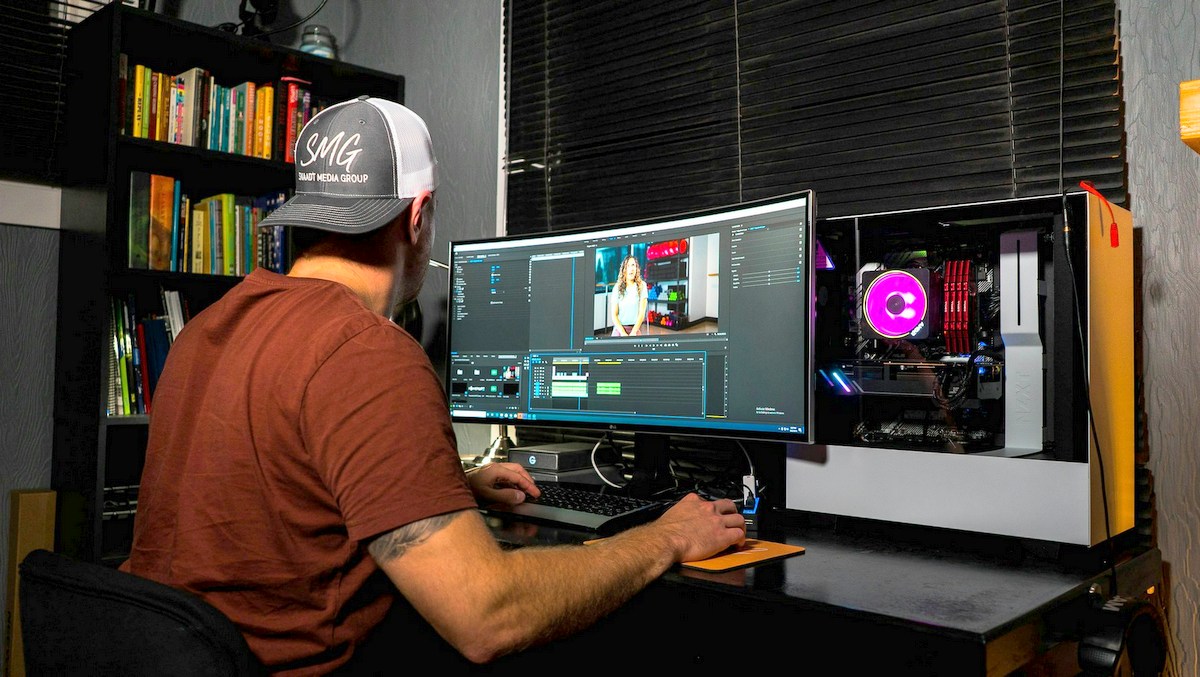
To make the video look complete, it is necessary to perform color correction – sometimes it is useful to increase brightness, contrast or saturation. If necessary, add text elements, such as titles, captions or event dates, which will help to better convey the idea of the video. If the video is for a business, it makes sense to insert a logo or watermark to emphasize the authorship. Tools like a lyric video generator can make this process easier, automatically syncing words with music for a polished effect.
One popular style is retro processing in the spirit of the 90s, with VHS effects, flares and noise. For a more technological and futuristic look, a glitch effect can often be of use, creating digital glitches and distortions. Cinematic filters imitating film shooting and minimalist styles with smooth transitions and monochrome shades are also popular. The choice of effect depends on the theme and mood of the video.
Step 5. Export and publish
The final stage is saving the finished video. For social networks and video hosting sites, the optimal resolution is 1080p, while for professional content you can use 4K. The best format for export is MP4, as it provides an optimal balance between quality and file size. A frame rate of 30 fps is suitable for most videos. After saving the video, you can upload it to YouTube, Instagram or send it to friends.
How to make a video with pictures and images
Final say!
Creating a video from pictures and music is a simple but exciting process. The main thing is to carefully select materials, correctly build the narrative and use high-quality sound. Following these five (5) steps, you can create an impressive video. One that will attract the attention of viewers to make people remember for a long time.
You can comment on “How to make a video with pictures and images, or join us on Facebook, Instagram! or Twitter.
INDIE ACTIVITIES

Broken Bird, Biracial Girl Conflict with Culture and Identity
A Short Film by Rachel Harrison Gordon is a coming of age drama SocialsWebsiteIMDbLinkedInInstagramVimeo
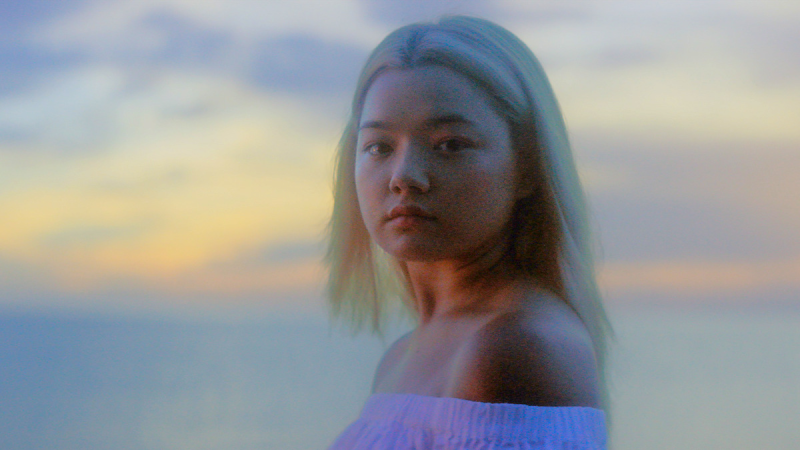
Year One with Elizabeth Yu A Coming-of-Age Drama Releases November
Freestyle Acquires Elizabeth Yu Coming-of-Age Drama YEAR ONE for November Release